

Datasets
An evaluation dataset is any set of traces you want a judge to score: last week’s traffic, a regression set, or one failure pattern. Create one under Evaluations → Datasets with New dataset, or select traces in Traces or Findings and pick Add to dataset → Evaluation Dataset, so a failure you found there becomes a dataset.Evaluations
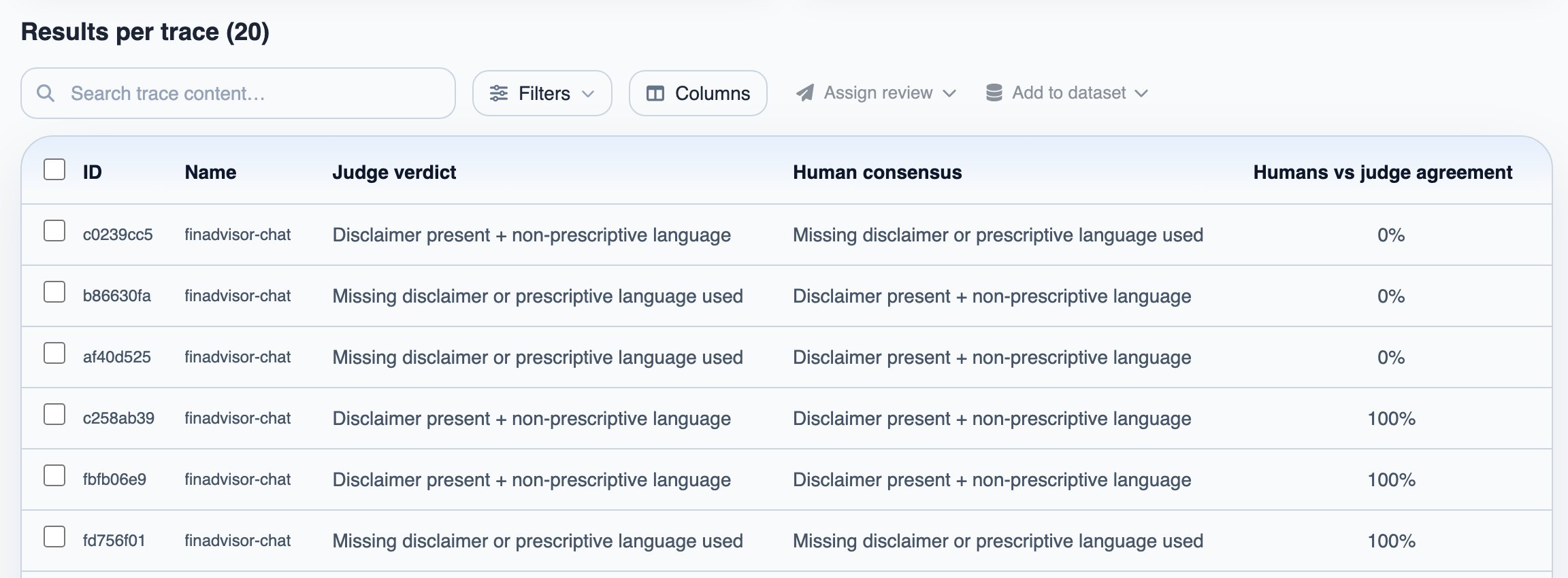
An evaluation runs a judge across a dataset and scores every trace. Start one under Evaluations with New Evaluation: pick the dataset, then the judge. Results break down per rubric dimension, and you can open each trace to see the details. If some traces in the dataset were reviewed by your team, each judge verdict is shown next to the human consensus.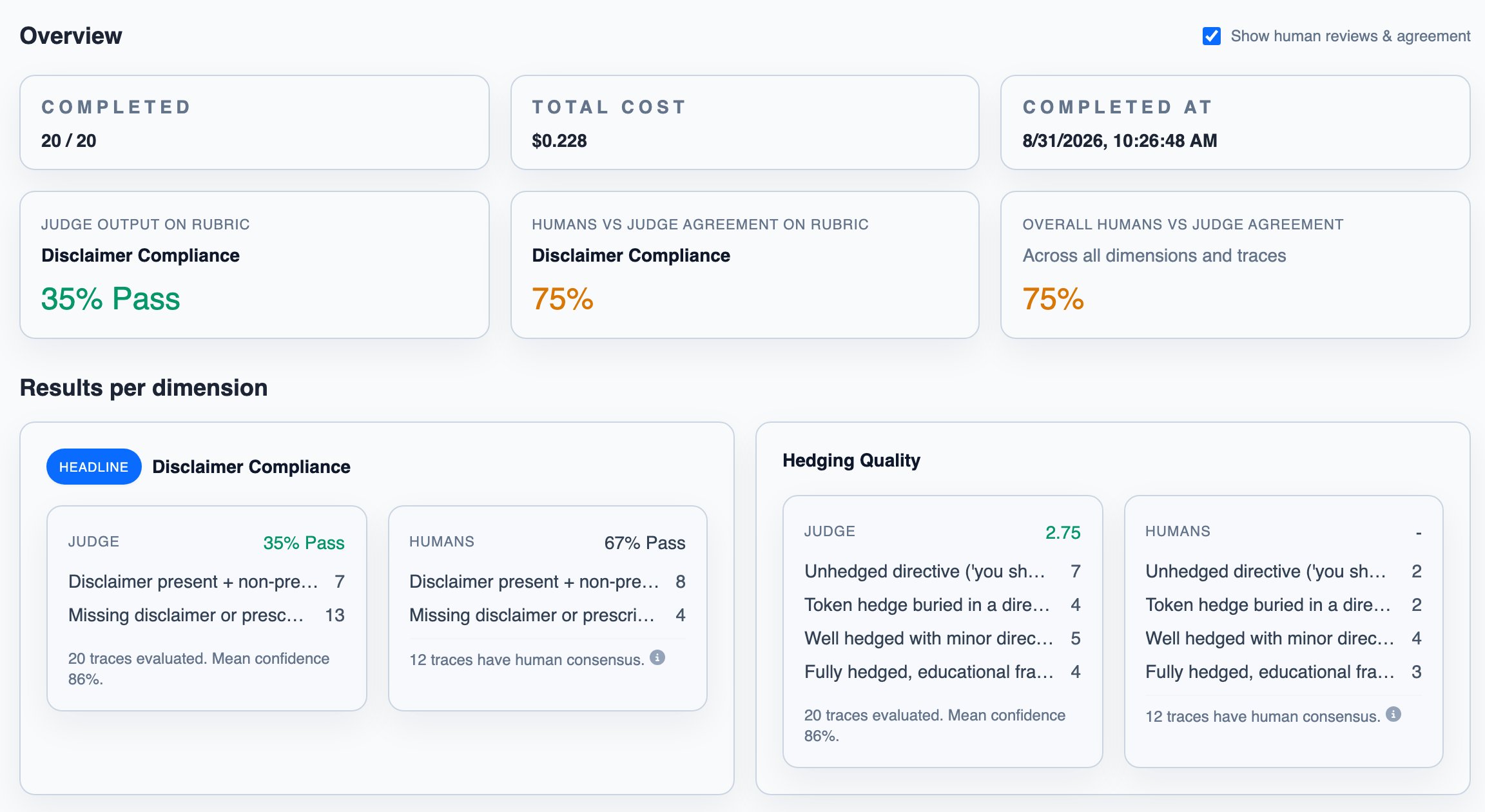
Generating data to evaluate against
To cover more cases, use real traces as seeds for synthetic generation: select rows on the dataset page or on an evaluation’s per-trace results, pick Add to dataset → Generation Seed Dataset, and generate additional inputs for regressions and rare edge cases from them. The traces where your judge and reviewers disagreed can seed the next generation run directly. Run the generated inputs through your app and review the resulting traces, so they join your reviewed datasets as new benchmarks. Generation also has a public API and Python SDK. See Core Concepts for how seed data, specs, and generation work, and API & MCP for the SDK.Next steps
API guardrails
Call a judge from your own code and act on the verdict